Historical archive
An Early Look at Building macOS Apps with go-flutter
A historical walkthrough of setting up Hover and go-flutter, resolving Go module download problems, adding desktop plugins, and building a macOS app.
This was an early experiment with the community-run go-flutter project. At the time it was not part of the official Flutter team, so its future depended on its maintainers.
This article documents the ecosystem as it existed in late 2019. Commands, plugins, and platform support may now be obsolete.
Environment
The starting point was a working Flutter development environment where flutter doctor reported no issue beyond possibly not finding a connected device.
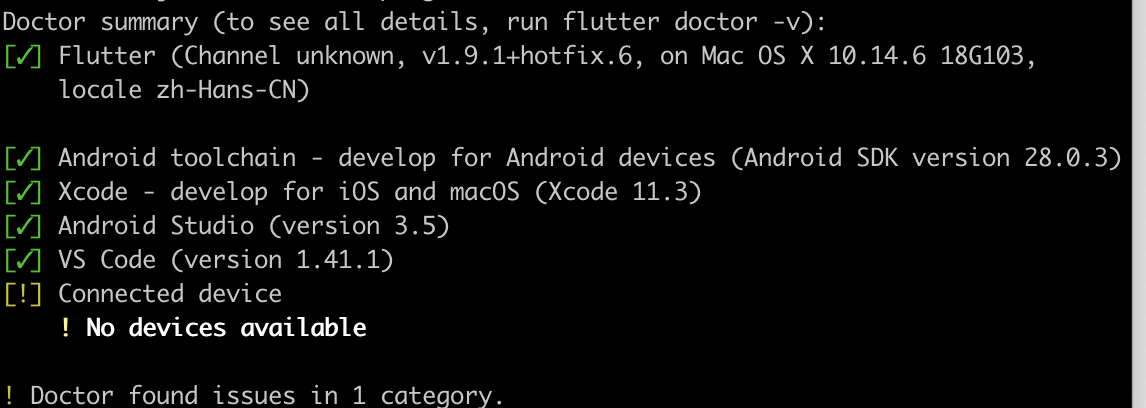
Official stable Flutter did not yet include desktop support. I was able to run the experiment with Flutter v1.9.1+hotfix.6, although the tooling recommended the master branch.
I also installed the latest Go toolchain:

brew install go

# Configure GOPATH.
vi ~/.bash_profile
export GOPATH=~/dev/go
PATH=$PATH:$GOPATH/bin
Install Hover, the go-flutter development tool:
go get -u github.com/go-flutter-desktop/hoverThis step took a long time because Go package downloads repeatedly timed out from my network. Using a mirror introduced a different problem:

The behavior was discussed in go-flutter issue 306. The mirror made downloads possible but also triggered the reported error. I eventually disabled the mirror, ran go get again, found the application directory under $GOPATH/src, and copied it manually.
go env -w GO111MODULE=off
go get -u github.com/go-flutter-desktop/hover
Run the project
From the Flutter project directory, initialize Hover:
hover initThis creates a go directory alongside the existing ios and android directories. Start the desktop application with:
hover runThe project could launch, but the small desktop plugin ecosystem limited what an existing mobile app could do. I compared my dependencies with the go-flutter desktop plugin list.
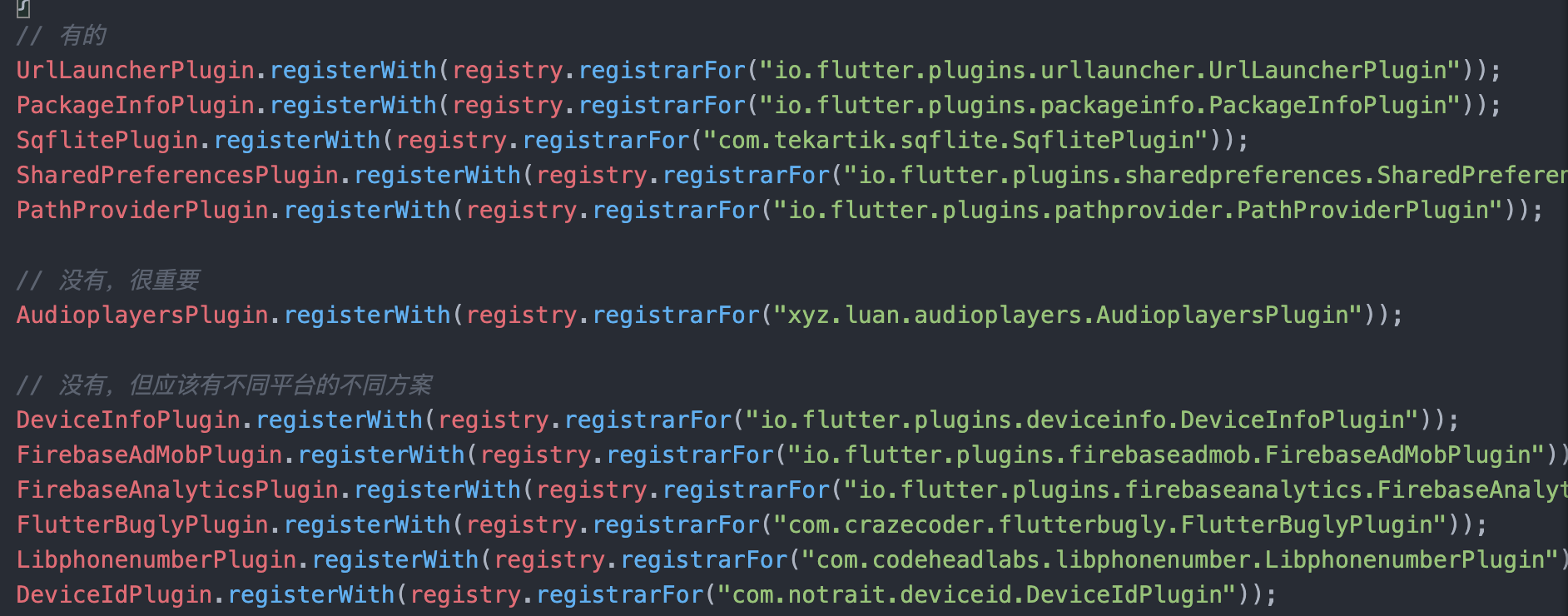
I added the available plugins:
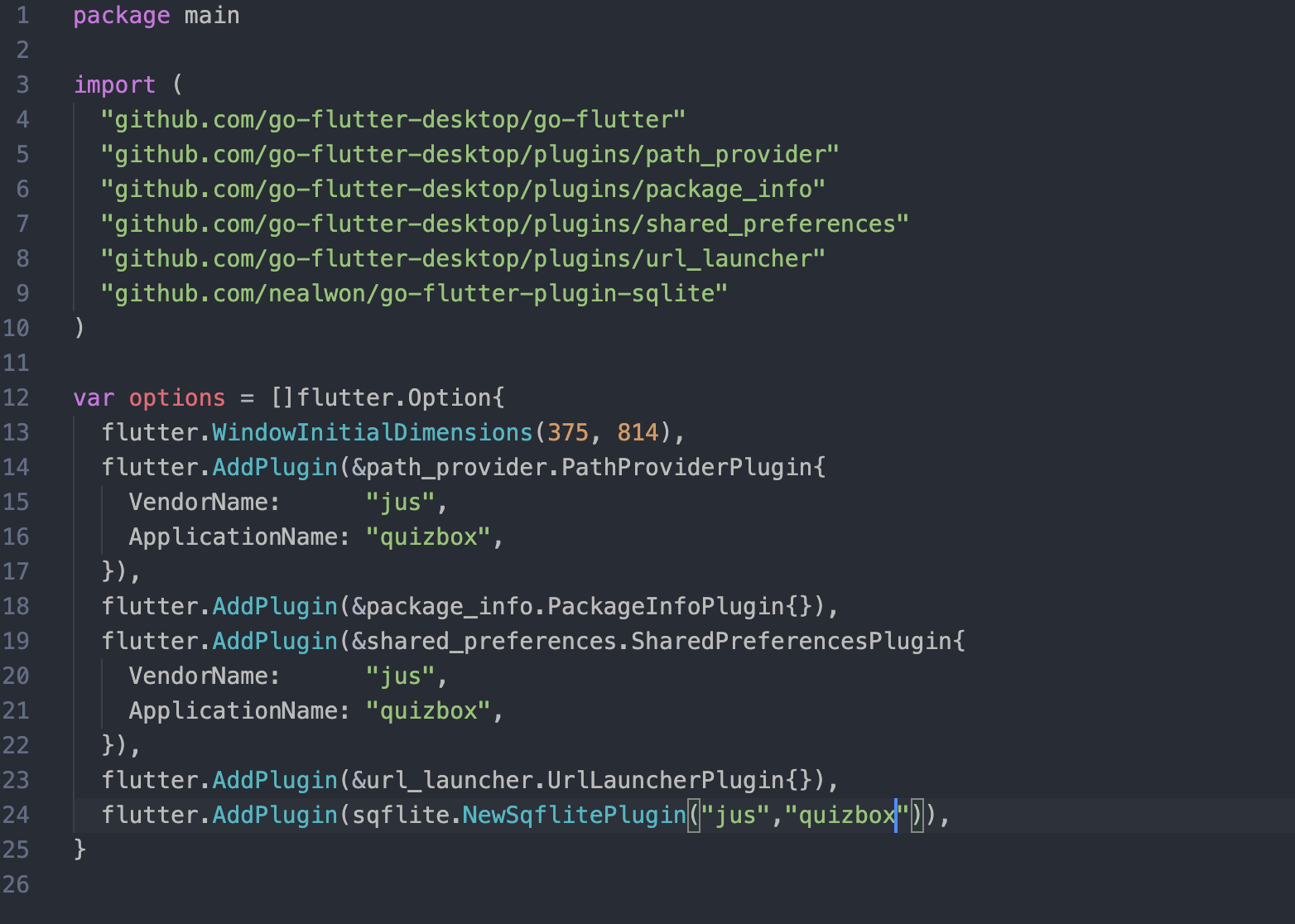
After another run, the project launched successfully:
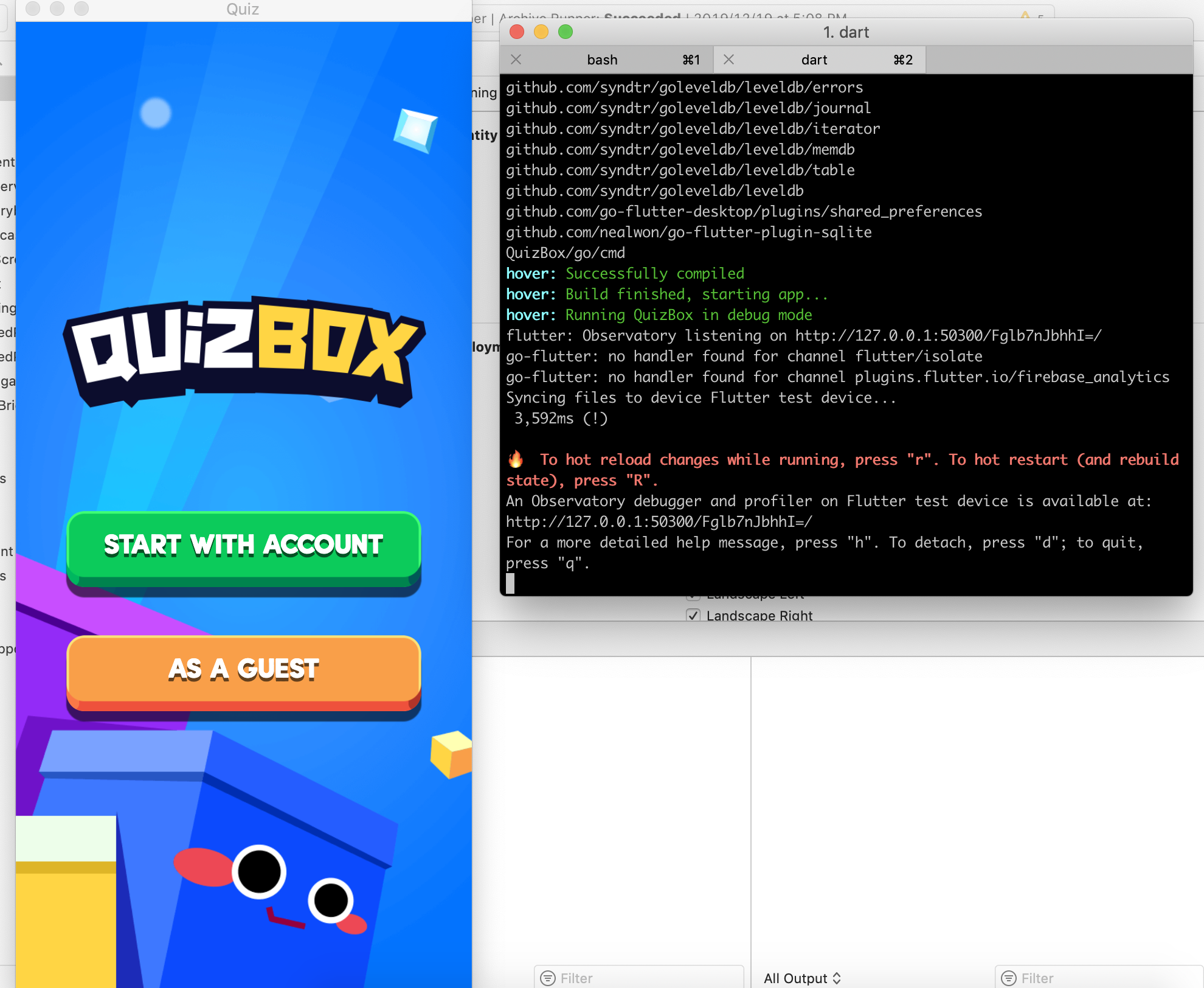
Build the application
Running hover build eventually required Docker, so I installed Docker with Homebrew:
brew cask install dockerDocker also needed access to the temporary shared path:
/var/folders/5t/6fch42_17gb_1j4twfn0tdtm0000gp/TWithout manually sharing that path, Docker treated it as private and the build could not complete.
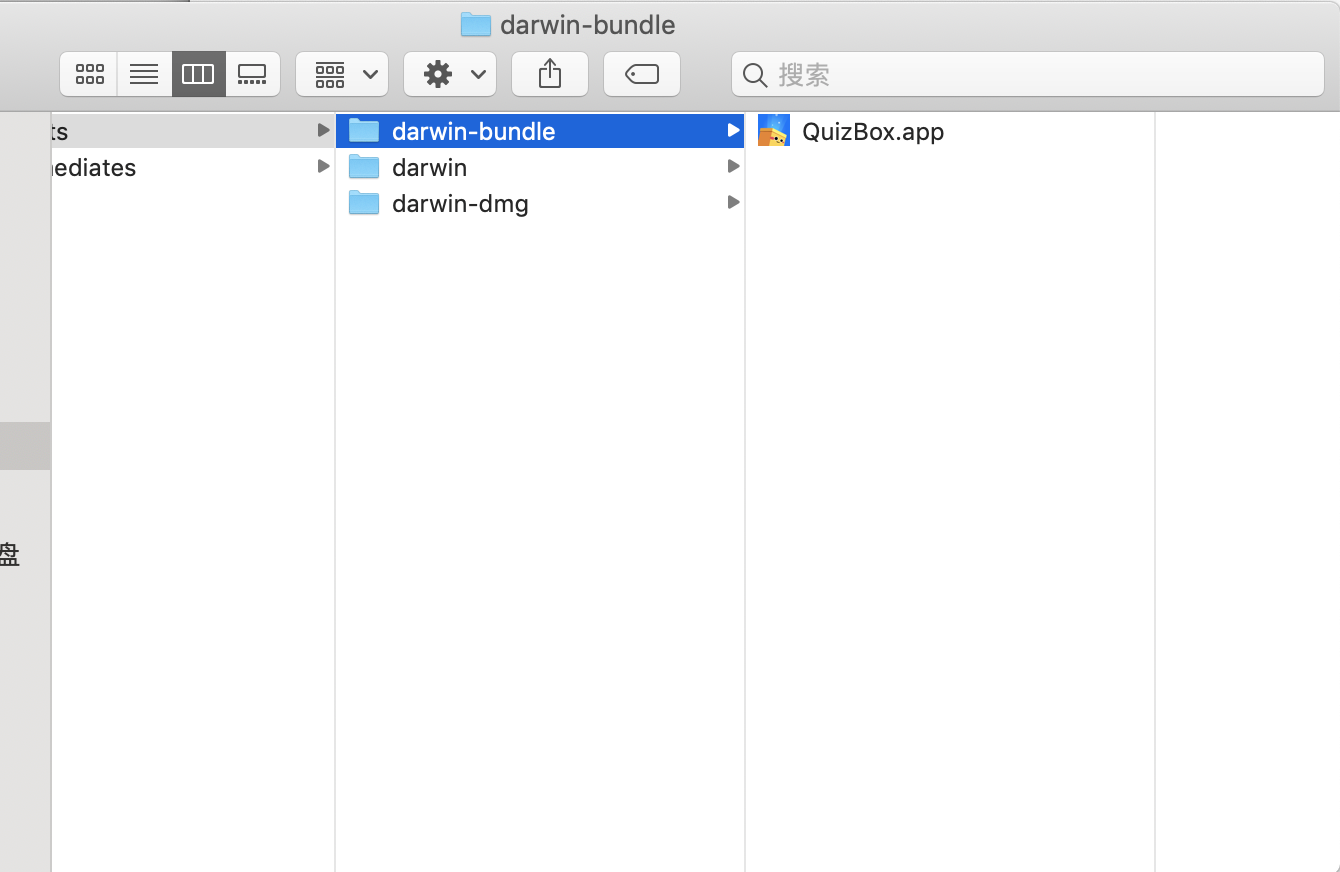
Takeaway
At the end of 2019, Flutter desktop development had two major limitations: official macOS support was still in preview, and community plugin coverage was incomplete. There were many rough edges and few ready-made components, but the experiment showed that a simple application could already run.
The original QuizBox builds were published for macOS, the App Store, and Google Play.