Other Information
How to Check an FDA Food Recall by Product, UPC, or Lot Number
A practical guide to searching FDA food recall records and matching a product by brand, company, UPC, lot code, package size, and recall number.
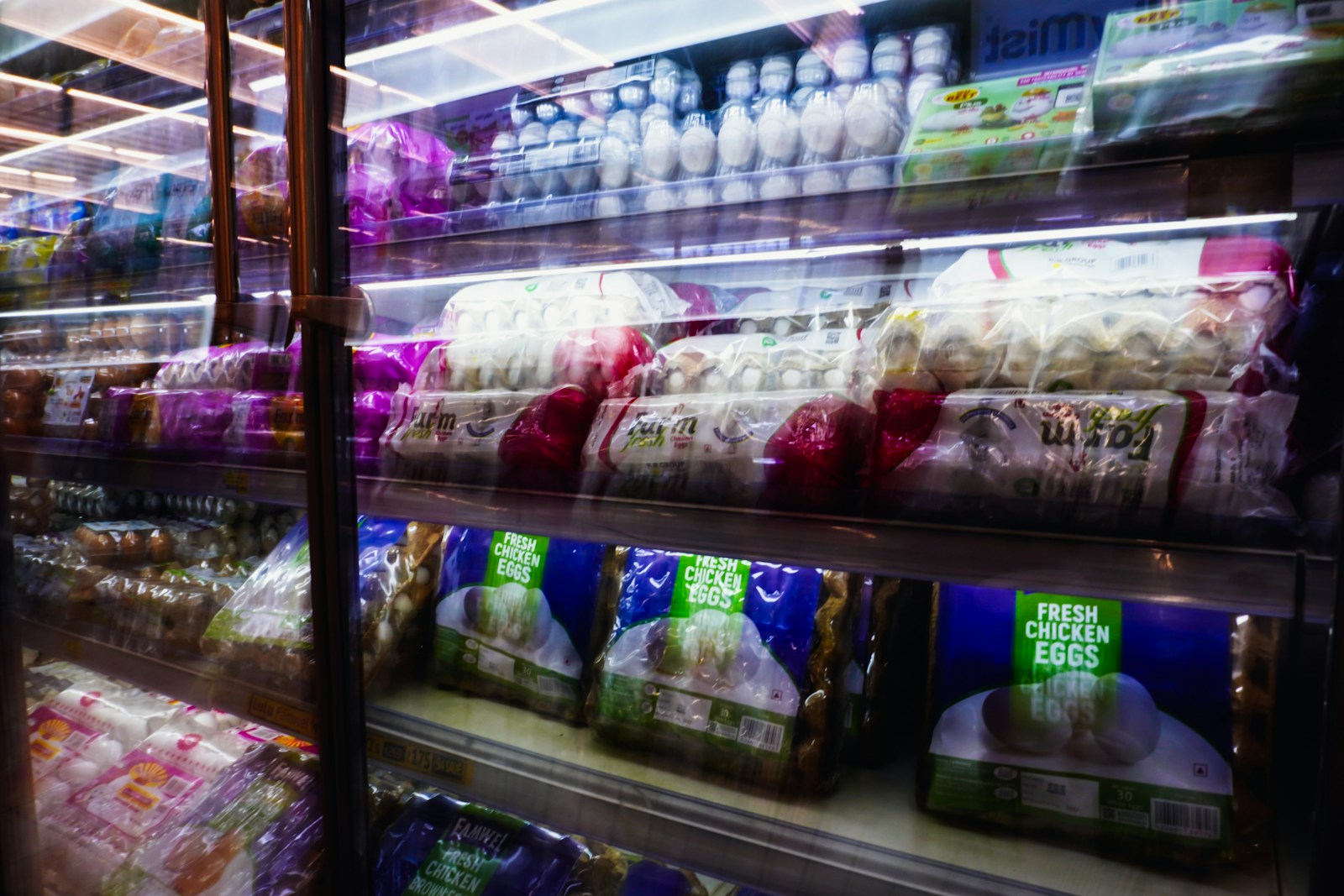
A recall headline may name a familiar food or brand, but that does not mean every package is affected. FDA enforcement records can distinguish products by recalling firm, package size, UPC, lot or batch code, expiration date, and distribution area.
The safest way to check is to compare the record with the exact package in front of you.
Information to collect from the package
Before searching, photograph or write down the identifying details on the label:
- Product and brand name
- Manufacturer, distributor, or recalling firm
- Package size and product form
- UPC or other barcode number
- Lot, batch, production, or best-by code
- Best-by, use-by, or expiration date
For produce or products sold without retail packaging, keep the store receipt, produce sticker, or case label if available.
Search the product name first
Start with the clearest product or brand name in the Food Recall Checker. If the results are broad, search the recalling company, UPC, recall number, or a distinctive lot code instead.
The search also checks the product description and stated reason for recall. That means terms such as salmonella, listeria, or undeclared peanuts may help locate relevant records when the product name is unclear.
Match the record to the package
Open a result and compare several fields rather than relying on the title alone:
- Confirm the product description and package size.
- Check the recalling firm or distributor.
- Match the UPC and lot, batch, or date code exactly.
- Review the distribution information for states or retailers mentioned.
- Read the reason for recall and the current record status.
A matching brand without a matching package code is not enough to conclude that a specific package is included.
Understand common reasons for food recalls
Food recalls may involve bacterial contamination, undeclared allergens, foreign material, labeling problems, or processing failures. People with a food allergy should pay particular attention to the exact undeclared ingredient named in the record.
FDA classifications describe the agency’s relative health-hazard assessment. They do not replace instructions in the recall announcement or advice from a healthcare professional.
If there is no matching search result
No result only means that the current searchable dataset did not return a match. A public announcement may appear before a classified enforcement record, spelling may differ, or another agency may oversee the product.
Check the official FDA Recalls, Market Withdrawals, and Safety Alerts page as well. Meat, poultry, and certain egg products may instead fall under the USDA Food Safety and Inspection Service.
What to do with a potentially recalled food
Keep the package or label long enough to document the UPC, lot, and date information. Follow the disposal, return, or refund instructions from the recalling company or official notice. Do not eat a product that exactly matches the recalled identifiers.
If someone may have become ill, contact a qualified healthcare professional. For urgent symptoms, seek prompt medical care.
Worked package example
Suppose a hypothetical notice describes 16-ounce jars of a sauce with UPC 012345678905 and lot L24081. A jar with the same brand but a different size is not an exact match. A jar with the correct size and UPC but lot L24082 also requires more investigation; do not silently round, truncate, or treat adjacent codes as equivalent.
Read the notice’s code syntax carefully. A range may be inclusive, a prefix may cover several production lines, and a date may be printed in a different order from the notice. Preserve leading zeroes in UPCs and NDC-like identifiers. Spreadsheet software often removes them, which can turn an exact comparison into a false mismatch.
How Artifact4U searches openFDA
The checker downloads a dated snapshot of openFDA Food Enforcement records and makes the product description, recalling firm, reason, code information, distribution pattern, classification, recall number, and report date searchable. It does not infer that similar names are the same product, and it does not convert a database candidate into a package-specific safety conclusion.
For a reproducible result, save the recall number and open the linked API query or official announcement. Record the date you checked it because enforcement records can be revised. If the public announcement contains photographs or consumer instructions that are absent from the structured record, follow the announcement.
Quality-control checklist
- Confirm that the regulator covers the product category.
- Compare brand, variety, size, and package type.
- Preserve the exact UPC, including leading zeroes.
- Compare every lot, batch, best-by, use-by, or production code.
- Verify the recalling firm and distribution information.
- Read the current status and consumer instructions at the primary source.
Review record and limits
Reviewed August 10, 2026 against FDA recall resources, openFDA Food Enforcement documentation, and USDA FSIS recall guidance. The sauce example is hypothetical. Dataset coverage, publication timing, and inconsistent source formatting mean that neither a match nor an empty result should be used without checking the current official notice.